Scoring 80% on Practice Quizzes Does Not Mean You Are Ready
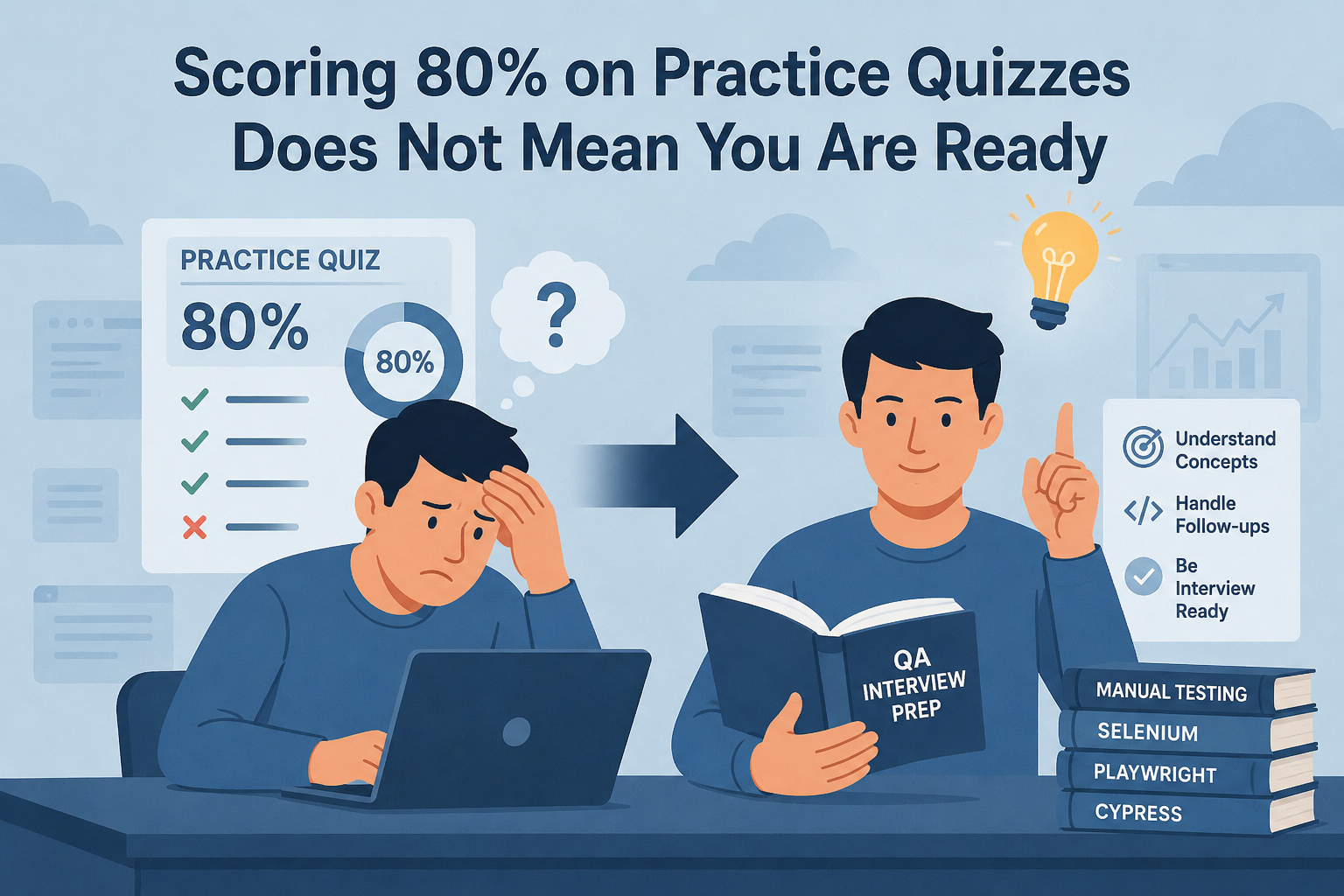
You have been prepping for your QA interview. You have done the questions. Your scores are decent. You feel like you are ready.
You are probably not.
Scoring well on a practice quiz mostly proves you can recognize correct answers after seeing them a few times. It does not prove you understand the concept well enough to defend it when a senior engineer asks a follow-up. Those are completely different skills, and almost every interview prep tool on the market only trains the first one.
I know this because I lived it. I have over 10 years of QA experience. I have been in enough rooms to know what I am doing. And I still get that uncomfortable, slightly sick feeling every time I have to sit down for a job interview. It does not go away just because you have experience.
So when I was going through interviews myself, I started doing what felt natural: writing down every question I got asked, writing out my answers, going back and editing them, comparing different versions. A Google Doc with hundreds of QA interview questions and my own answers. It was messy and manual but it worked better than anything else I had tried.
Then I thought: what if this was an actual app?
That became Qaizzerr. 900+ questions across Manual Testing, Selenium, Cypress, and Playwright. Four seniority levels. Users in 55+ countries. 2,500 quizzes executed on the live site.
And then I looked at how people were actually using it and realized the core problem was still there. People were taking quizzes, seeing their score, and moving on. The same pattern I had with every other prep tool before I built my own.
So I shipped three features to fix it. Most people using Qaizzerr have no idea they exist.
Feature 1: A Progress Dashboard That Shows the Real Picture
Every quiz you take is now logged in your personal dashboard. Quizzes started, quizzes completed, average score, best score across all tracks and seniority levels.
The most useful part is the score over time chart. You can see whether you are trending up, flatlining, or actually moving backward. Filter by Manual or Automation, and by Junior, Mid, Senior, or Lead to see exactly where you stand at each level.
This matters because most people prep by doing random questions and assuming the information is sticking. The dashboard shows you whether it actually is. Feeling prepared and being prepared are two different things, and the chart does not lie.
Feature 2: Saved AI Explanations for Every Wrong Answer
When you get a question wrong, Qaizzerr generates an AI explanation. That part has been there for a while. What is new: every one of those explanations is now saved to your history and accessible anytime.
Example from a Playwright session on retry logic. The wrong answer was setting retries: 3 in playwright.config.ts. The AI explanation pointed out that this only re-runs failed tests, not individual API requests inside a test. For backoff retry logic on API calls, you need to build that directly into your fixture. Two completely different things with similar-sounding names.
That distinction is exactly what a senior engineer would catch in a real interview follow-up. The explanation sits in your history so you can review it the day before your interview, not just in the moment after you got it wrong.
Feature 3: Full AI Performance Analysis After Each Quiz
After you complete a quiz, you get a performance analysis: weak areas, strong areas, and a specific recommended study plan.
Example from a Selenium Mid-level session: the weak areas section flagged confusion between getText() and getAttribute(“value”), and between rightClick() and contextClick(). Not just “you got these wrong.” A specific explanation of what each method actually does, why they are easy to mix up, and exactly what to build to lock in the difference.
That is the feedback you would get from a senior engineer running a mock interview with you. Most people never get that opportunity before the real thing.
How to Use All Three Together
Take a quiz on a specific track and level. Read the performance analysis immediately while the context is fresh. Go through your saved AI explanations for the wrong answers and read the full breakdown for each one.
Come back a few days later. Take the same quiz again. Check the dashboard. The chart will tell you whether the studying actually moved the needle or whether you need to go deeper.
This is the loop I wish I had when I was prepping from a Google Doc.
Where to Find All of This
If you already have a Qaizzerr account, the dashboard is under Dashboard in the nav. Quiz history and saved AI explanations are both there after any completed session.
If you have never used Qaizzerr, you can take a quiz without signing up. The dashboard and analysis kick in once you create a free account. No credit card required.
Ready to see where you actually stand before your next QA interview?
👉 Start a quiz on Qaizzerr now — The dashboard will show you the rest.
900+ questions | Manual Testing, Selenium, Cypress, Playwright | Junior to Lead levels | Free account, no credit card required
Grab the free ebook:
"Software Testing for Beginners" is packed with real-world tips on writing bug reports, test cases, and surviving chaotic projects.
💡 What's inside:
- Smart test case templates
- Bug reports devs actually respect
- Tools, tips, and tactics that work
No fluff. No BS. Just stuff every tester should know.