I Installed a CPU Cooler and Accidentally Documented 9 QA Mistakes
I Installed a CPU Cooler and Accidentally Documented 9 QA Mistakes
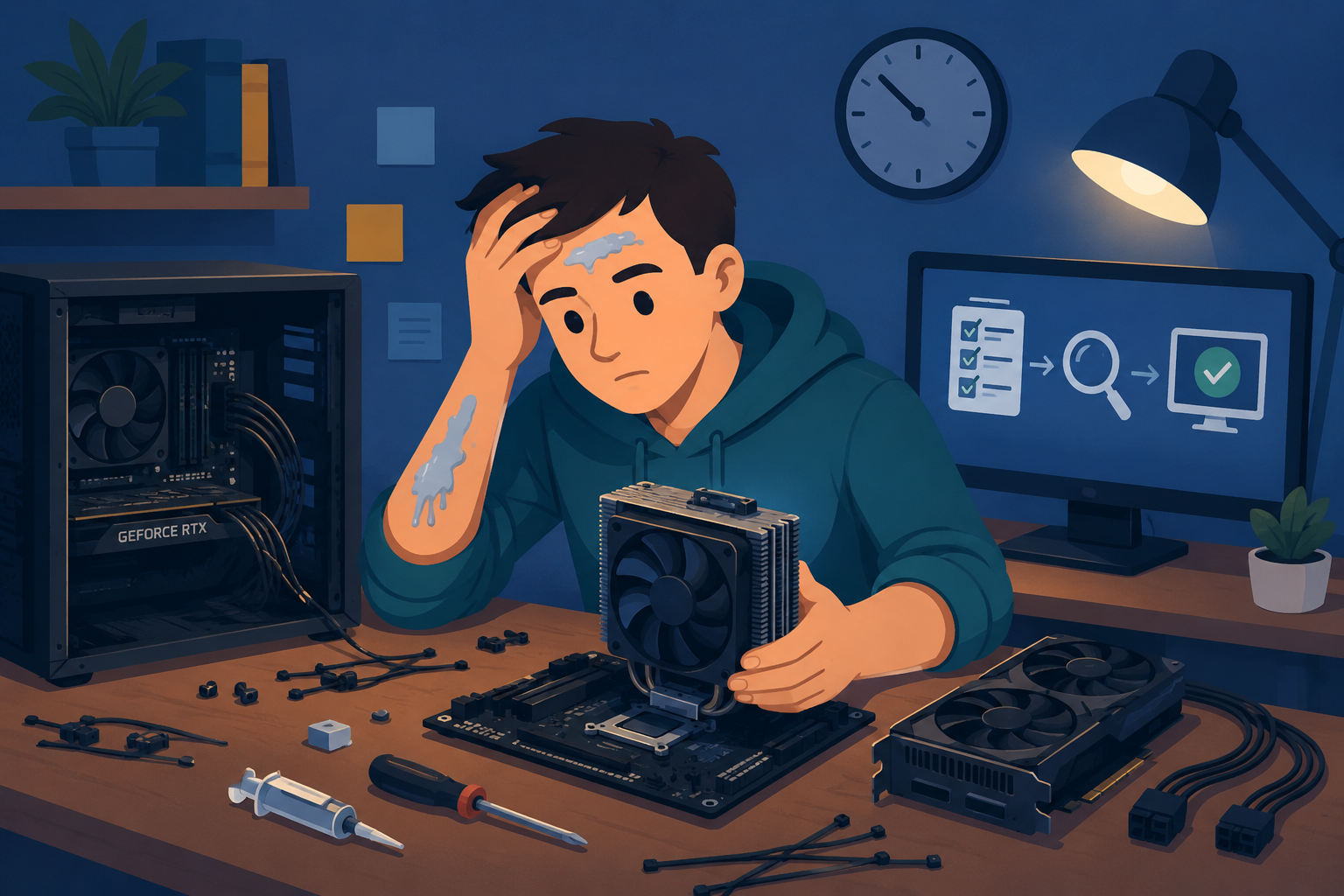
I started at 10PM. I finished at 2 AM. I had thermal paste on my forearm and, apparently, on my forehead for about an hour without knowing it.
Simple job. Swap the cooler, clean install, done in thirty minutes. Instead, I got four hours of increasingly humbling hardware therapy and a list of nine QA parallels sitting in my mental notes by the end of it.
I promise this isn’t a reach. It is a true story…
The story
I needed to replace the CPU cooler on my main machine. Should have taken thirty minutes. I had everything I needed. I knew what I was doing. I started anyway at 10PM on a Tuesday night, which tells you everything about my level of patience and planning life in general…
Here is what happened, in order.
I didn’t redo the cable management. It was already a mess from the last build. It is an old case from 15 years ago, I wanted to do a sleeper build, but I don’t even have side panels for it. I told myself it was fine and worked around it. Everything was harder than it needed to be because of cables in the way the entire time.
I used my finger to spread the thermal paste because I couldn’t find the application tool and didn’t want to look for it. I know it’s somewhere, but it has been a while… Got paste everywhere. Including, apparently, my forehead.
I did the whole thing in the kitchen because my desk had too much stuff on it and clearing it felt like too much effort. There are wires, guitar picks, a laptop, a microphone, and my Scarlet audio interface, and double-sided tape for some reason… Anyway, the thermal paste got all over the place… …not my forehead; my forearm was the delivery method, so I needed to clean my kitchen too…
I forgot to remove the protective sticker from the bottom of the cooler before mounting it. I just wanted to test the fit for the mounting brackets and mounted it anyway. Realized the mistake only after tightening everything down. Had to pull it all off, remove the sticker, reapply paste, and start again. I always heard the stories of people not removing the sticker from the part of the cooler, and wondered what kind of an idiot… Well, apparently a “me” kind of an idiot…
The PC booted. I was happy for about sixty seconds. But there was no image on the display. Both GPUs had no power because I hadn’t plugged in the power cables. Actually I plugged the power cable from one card to another… Remember how I said I didn’t want to redo the cable management? Yeah…
I reseated the graphics cards ten times in a tight case with zip-tie cable management and almost no working space. Each time, hoping something would change.
I spent an hour researching how to reset CMOS without removing the GPU because I really did not want to remove the GPU again. Turns out you can’t. The motherboard has no other option. Removed the GPU, pulled the battery, reset CMOS.
Then I forgot to plug the power cable into one of the cards again. Had to reseat both cards one more time, as BIOS couldn’t recognize it that way and I needed to clear CMOS AGAIN…
Finally, after all of that, the system booted with only one card. I set everything up and then added the second card, and it posted, registered the card, and now everything works fine, and it’s almost 2 AM…
Let’s see what Prime95 does…
CPU at 54°C under full load. NICE!
The QA parallels (you already know where this is going)
1. Skipping environment cleanup because “it worked last time.”
Not redoing the cable management made every single step harder. I knew it was a problem. I chose to work around it anyway.
This is what happens when you inherit a messy test environment and refuse to clean it up. Outdated test data, leftover config from three sprints ago, flaky setup scripts nobody has touched in months. You tell yourself it’s fine and work around it. Then you wonder why every test run feels harder than it should.
2. Using the wrong tool because the right one felt like too much effort
The thermal paste applicator was somewhere in the drawer. Finding it would have taken two minutes. Instead I used my finger, made a mess, and got paste on surfaces it had no business being on.
In QA: using a manual workaround because setting up the proper automation or test tooling felt like overhead. It always costs more than the setup would have.
3. Testing in the kitchen because the proper environment wasn’t ready
My desk was messy. Setting it up properly would have taken ten minutes. Instead I moved the whole operation to the kitchen, a worse environment in every possible way.
If you’ve ever run a test against production because setting up the test environment was “too complicated right now,” you’ve done this exact thing.
4. Skipping the checklist out of impatience
I knew there was a sticker. I’d read the instructions. I mounted it anyway because I was moving fast and it felt obvious.
It cost me forty-five minutes. Not because the fix was hard. Because I had to undo everything I’d already done.
Pre-release checklists feel like overhead until you skip one step and spend the next hour undoing work you already finished. They exist because someone, at some point, did exactly what I did.
5. Happy path testing
The PC booted. I let myself feel good about it for almost a full minute.
Then there was no image on the display. The power cables were swapped between cards, not connected properly, because I refused to redo the cable management. The “it started” state is not the same as “it works.” If your tests only cover the scenario where everything goes right, you’re not testing. You’re confirming the obvious and leaving the rest to your users.
6. Repeating the same action and expecting different results
I reseated those cards ten times. Each time I seated them the same way, in the same slots, without actually diagnosing what was wrong. Just hoping that doing the thing again would produce a different outcome.
This one shows up in QA as running a failing test repeatedly without looking at why it’s failing. The test is trying to tell you something. Running it again doesn’t change what it’s saying.
7. Spending three hours avoiding the obvious fix
An hour of research, forum posts, and increasingly desperate searches for a way to reset CMOS without removing the GPU. Because I did not want to remove the GPU.
Motherboard had one option. The battery. Under the GPU.
I removed the GPU.
The equivalent in software testing is spending a full afternoon writing automation to work around a reproducible bug instead of writing a clear bug report and asking the developer to fix it. The direct path is almost always shorter than the workaround.
8. Starting at 10PM
This one doesn’t need a metaphor. Never deploy on a Friday. Never start a hardware swap at 10PM on a Tuesday.
Time pressure makes you skip steps. Tiredness makes you miss things. When you’re at hour two of what should have been a thirty-minute job, your decision-making is compromised. You make worse choices. You miss the sticker. You forget the power cable. Again.
Pick your timing deliberately. In testing and in hardware.
9. The system reached a stable state. It was worth it.
CPU at 54°C under full load. Both cards registered. Everything running.
Sometimes the messy path is the one you’re on and you just have to finish it. The system works now. The lessons cost four hours and some dignity. Both feel acceptable in hindsight.
The actual takeaway
Every single one of these mistakes had a root cause of impatience or the desire to avoid a setup cost. Skipped the environment cleanup. Skipped the checklist. Skipped the diagnosis step. Started too late. Avoided the direct fix.
The setup costs feel expensive in the moment. They are almost never as expensive as the recovery.
If you found this useful and want more practical QA content like this in your inbox once a week, you can sign up here. No spam, no recycled advice.
Grab the free ebook:
"Software Testing for Beginners" is packed with real-world tips on writing bug reports, test cases, and surviving chaotic projects.
💡 What's inside:
- Smart test case templates
- Bug reports devs actually respect
- Tools, tips, and tactics that work
No fluff. No BS. Just stuff every tester should know.