How to Test a Feature When the Requirements Are Garbage
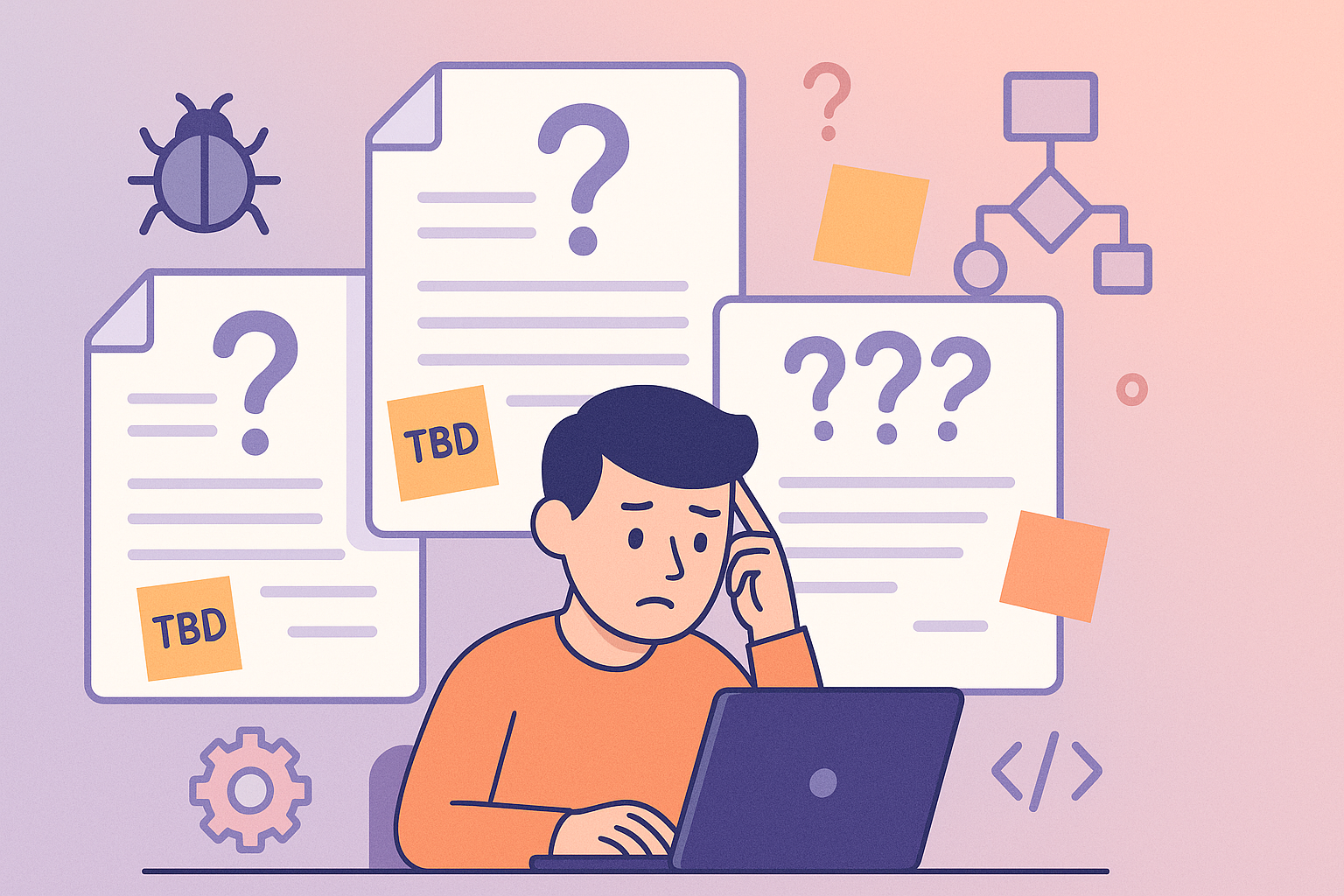
Every tester has been there. You open the ticket, read the description, and instantly feel your eye twitch. The title says something vague like “Implement new feature for user flow enhancement” and the description? A single line: “We need this done ASAP.”
Welcome to the wonderful world of testing when the requirements are garbage. It’s not ideal, but it’s real life. And the truth is, this is where testers prove their real value, not when everything is perfectly written, but when it’s a complete mess.
Let’s talk about how to survive (and even shine) in those situations.
1. (Don’t) Accept That Garbage Requirements Are Common
Before we jump into tactics, it’s worth accepting something: bad requirements aren’t rare. Sometimes, product managers are in a rush. Sometimes developers write their own tickets. Sometimes, no one actually knows what the “feature” should do, it’s just “something like what the competitor has.” If you expect every ticket to come with clear acceptance criteria, user flows, and mockups, you’ll burn out fast. Instead, start by mentally reframing the situation: “Okay, this isn’t clear but that’s my opportunity to bring clarity.” So don’t just blindly accept it and close the ticket without trying the following.
2. Find Out Who Actually Knows What This Feature Is
When the ticket doesn’t tell you what’s going on, talk to humans. Find the person who had the idea, the one who coded it, or the one who’s supposed to approve it. Usually, these three people exist they just haven’t talked to each other properly.
Here’s a simple trick I use:
- Ask the developer: “Can you walk me through what you built?”
- Ask the product owner or PM: “What problem is this supposed to solve?”
- Ask the designer (if one exists): “Do you have any visuals or behavior references?”
- Ask the customer support person: “Did anyone complain about this before?”
The goal is not to find perfect requirements. It’s to piece together context. Once you understand the “why,” the “how” starts to make more sense. And, make sure to write down what you found in the ticket so everyone understands!
3. Write Down What You Think the Requirements Should Be
Now that you’ve gathered scraps of information, it’s time to organize them. Open the ticket and write your own version of the requirements. Don’t make it fancy; a simple list or a few bullet points will do:
My understanding of the feature:
- When the user clicks “Add to cart,” the product should appear on the cart page.
- Quantity should default to 1.
- If the product is already in the cart, clicking again increases the quantity.
- The user should see a confirmation toast message.
- The sky is blue unless it is red, which happens only when there is an abandoned cart
Then, share it. Send it to the dev, PM, or whoever seems responsible and say something like:
“This is how I’m planning to test the feature. Can you confirm if this aligns with your expectations?”
And that’s it, you just created living acceptance criteria. Even if no one replies, you’ve documented your assumptions and covered yourself later if someone says, “That’s not what we wanted.”
4. Test Based on Behavior, Not Words
When requirements are bad, the product itself becomes your source of truth. Run the feature. Click around. Observe what it actually does. From there, start forming hypotheses:
- “If I do X, it should do Y.”
- “What happens if I skip step two?”
- “Can I break this by using an unexpected input?”
- “The email notification should be sent after the pop-up is dismissed. Why is my inbox empty?”
Exploratory testing becomes your best friend here. You’re learning the system through experimentation.
You’re not just checking “does it match the document,” because the document is useless anyway. You are checking if it makes sense, works properly, and doesn’t break the rest of the app. In a way, you’re reverse-engineering the requirements from the behavior. And when you do this, it is extremely important to write it down again in the task or a document, an email, or a clay tablet if you like, but just make sure that there is an artefact left. When you find issues, knowing how to write bug reports when there’s no spec is crucial. For example:
“When I enter the new value into the field, the sum is not automatically recalculated. Is this expected behavior @thePersonWhoIsResponsibleForTheFeature, please confirm this is expected.”
5. Think in Terms of Risks
When information is unclear, fall back to the universal language of testing: risk.
Ask yourself:
- What could go wrong here?
- Which parts of this feature affect the rest of the system?
- What would be the biggest embarrassment if it failed in production?
- What would bring the largest negative financial impact to the client?
This mindset helps you prioritize.
You may not know the “expected behavior” down to the pixel, but you can know what would cause major pain if it’s broken. Focus first on critical paths, saving data, payment flows, logins, permissions, areas that already had issues in the past, etc. Then go wider into edge cases and user experience. When requirements are garbage, risk is your compass. I live and die by this, and you should probably do so too!
6. Document What You Found (Even the Garbage)
Testing a feature with unclear requirements is half investigation, half documentation.
Keep notes on everything:
- What was unclear?
- What you asked and who responded.
- What assumptions did you make?
- What the system actually did.
- Bugs or unexpected results.
- What was confusing
- And ESPECIALLY what you considered to be clear (This is where most of us fail!)
This documentation serves three purposes:
- It helps your future self (or the next tester) understand what really happened.
- It helps the team realize how unclear the feature was.
- It protects you when someone says, “Why didn’t we test X?”
Your notes might even evolve into proper test cases or requirements later; many good QA processes are born this way, but don’t get your hopes too high :) and make sure you are covering enough by your tests so YOU feel comfortable letting such feature go for now.
7. Be Honest in Your Report
When you finish testing, don’t just write “Tested and passed.”
Be transparent:
“Testing completed based on current understanding of the feature. Requirements were not clearly defined; testing covered the main user flows and observed behavior. Potential gaps remain in [list them].”
That line alone can save you countless hours later. You’re signaling to the team that the testing scope was based on available information, not perfection. And most importantly, you’re not blaming anyone, you’re communicating risk.
8. Use This as Leverage for Improvement
Once the dust settles, use the situation as a learning opportunity. Bring it up in a retro:
“We spent two days clarifying requirements that could’ve been written in ten minutes.” Keep it factual, not emotional. The goal isn’t to shame anyone, it’s to make sure the next feature doesn’t start the same way, so keep your ego in check. No one is perfect! Sometimes people don’t realize how much time bad requirements waste until someone shows them. And if you’re in a position to influence the process, suggest lightweight templates for tickets:
- “User story”
- “Acceptance criteria”
- “Out of scope”
- “Test notes”
The simpler it is, the more likely people will fill it out.
9. It IS Not All Bad This Strengthens Your Tester Instincts
Testing vague features forces you to rely on your intuition, experience, and curiosity. That’s not a bad thing. I wouldn’t be half the tester I am if I hadn’t been in a situation to test a one-liner ticket.
It trains you to:
- Ask better questions.
- Notice subtle issues others miss.
- Anticipate risks before they happen.
- Think from the user’s perspective.
You become less dependent on documentation and more capable of thinking like a product expert. That’s what separates an average tester from a great one.
This all being said, there is just another small detail you need to remember! If you work in a team where this is a regular thing, one-liners and chasing requirements, it is easy for you to get used to working like that. Sometimes you’ll also need to know how to say no to impossible deadlines when the lack of requirements combines with unrealistic timelines. After a while, you will understand the oneliner, same like everyone else.
This DOES NOT mean you can just test it and be done with it. You MUST, for your own sake, keep doing everything I mentioned here, that is imperative! There is nothing to be gained for you in working that way. If something goes wrong 3-6 months from now, no one will remember what the oneliner was and what it was supposed to do, or why it was implemented the may it was, and you will catch heat for “not testing it properly”, so
DOCUMENT STUFF!
Final Thoughts
Testing with garbage requirements may be frustrating, there is no sugarcoating it. But it is also one of the best ways to show your value as a tester. Almost anyone can follow a perfect checklist. A nicely written test case. Read the Acceptance criteria and requirements It takes skill to find clarity in chaos, identify risks without specs, and communicate effectively when no one else can. The next time you get a vague ticket that makes you sigh, remember this: You’re not just testing a feature, you’re testing the team’s ability to think clearly! And by doing your job well, you make everyone else’s work a little easier next time.
Grab the free ebook:
"Software Testing for Beginners" is packed with real-world tips on writing bug reports, test cases, and surviving chaotic projects.
💡 What's inside:
- Smart test case templates
- Bug reports devs actually respect
- Tools, tips, and tactics that work
No fluff. No BS. Just stuff every tester should know.